Overview
The HHD Implementations view has been redesigned to make customisation faster and more visual. Key improvements include a live device simulation, an enhanced flow sequence menu, and the ability to duplicate flows between implementations.
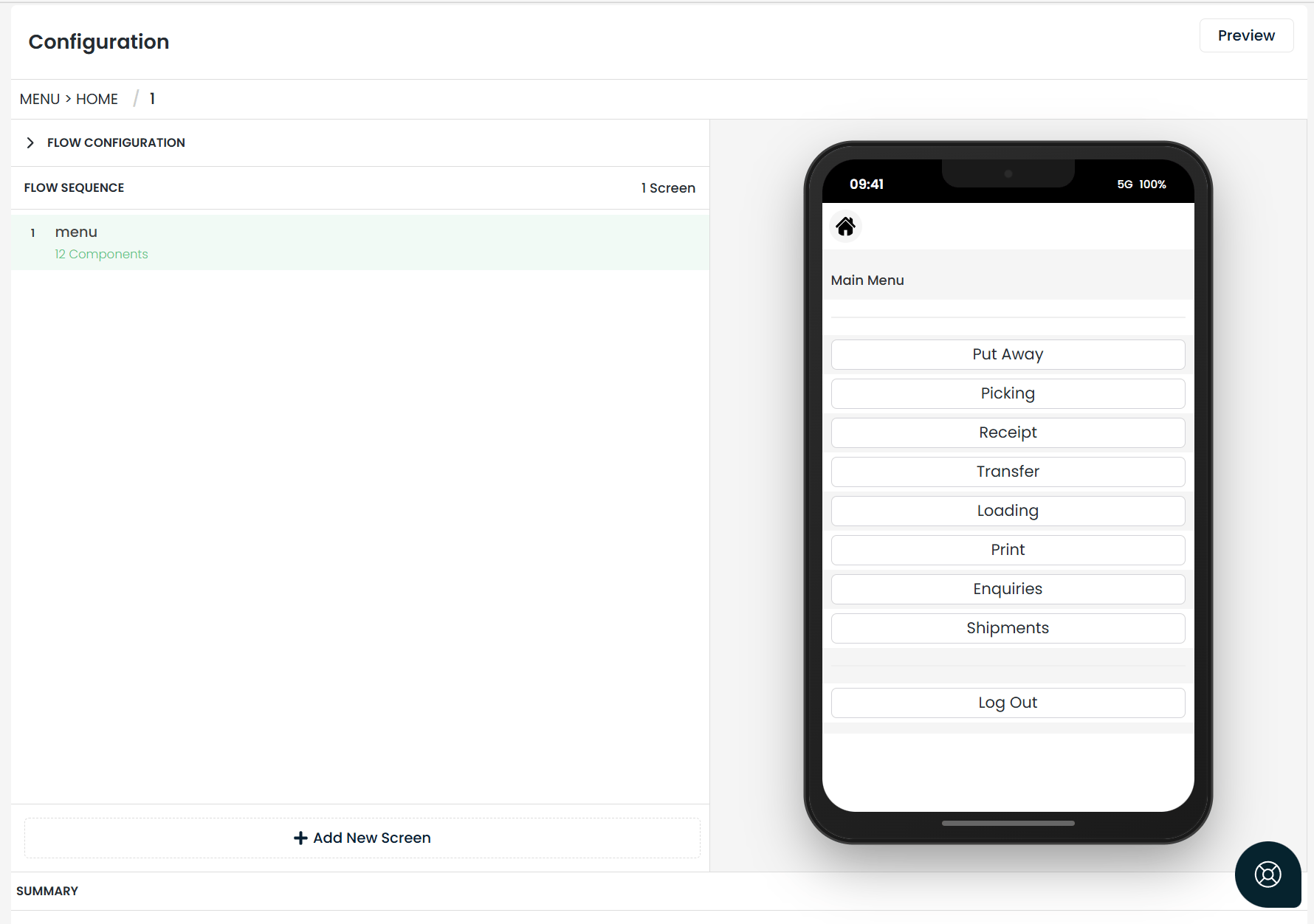
Real-time handheld simulation
The frontend now features a simulated handheld view that provides a live preview of your implementation exactly as it will appear on the physical device. You no longer need to guess how your configurations will look in the field.
Enhanced flow management
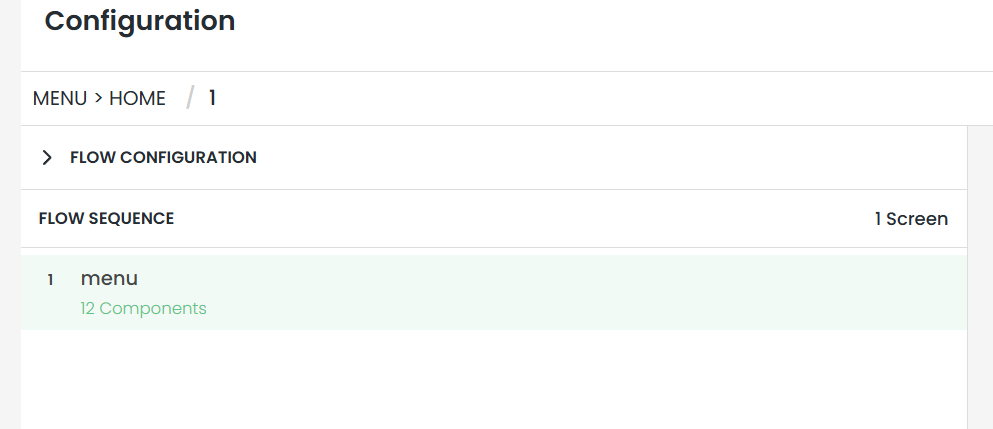
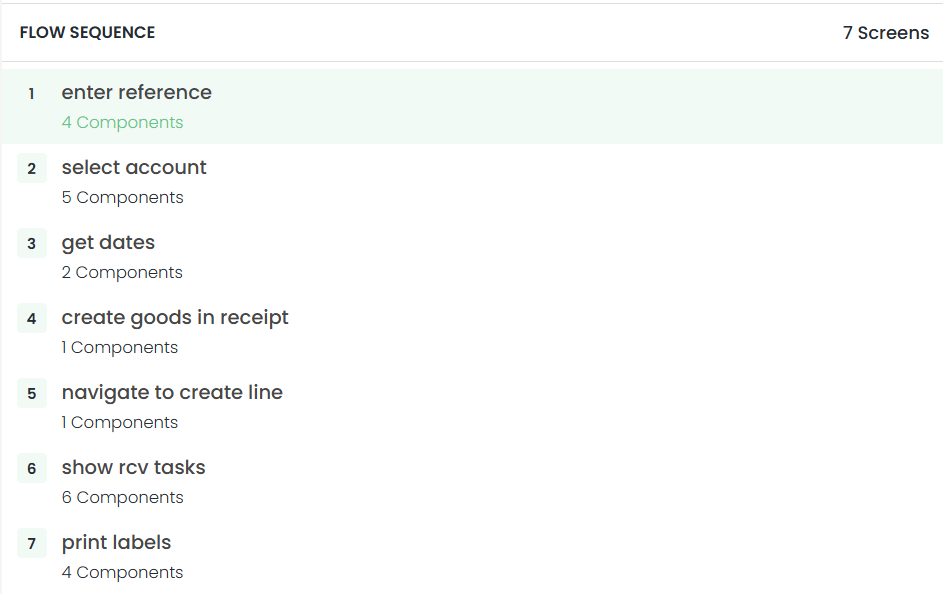
The new Flow Sequence Menu on the left-hand side serves as your control centre for HHD flows:
- Instant navigation — view every component and screen within a flow and jump to any section with a single click.
- Visual reordering — move components up or down in the screen sequence to perfect the user journey.
- One-click editing — a dedicated button lets you jump directly into screen component customisation.
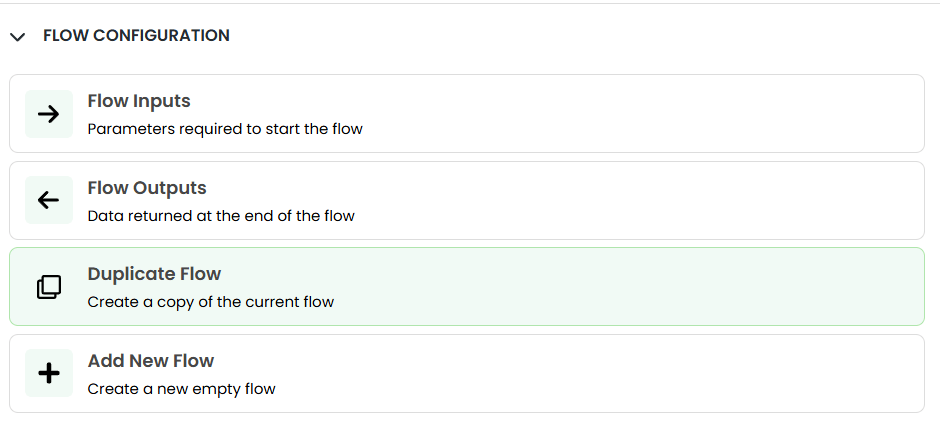
Direct flow duplication
You can now duplicate a flow from one implementation to another directly within the frontend, eliminating the need to manually work with back-end JSON files. This simplifies the process of scaling successful configurations across different implementations.
These updates remove technical barriers and provide total clarity, allowing you to build and personalise your HHD experience with minimal friction.