> ## Documentation Index
> Fetch the complete documentation index at: https://documentation.claruswms.com/llms.txt
> Use this file to discover all available pages before exploring further.
# Enforce All Pick Types from a Pickface
> Learn how to enforce all pick types including full pallet picks from a pickface location with this configuration guide.
You can enforce all types of picks from a pickface location, including full pallet picks. This gives you greater control over how stock is managed and picked, ensuring all quantities are always picked from the designated pickface.
## How to enable pickface enforcement
From the home page, go to **Products**. Use the column filters to locate the product you want to configure.
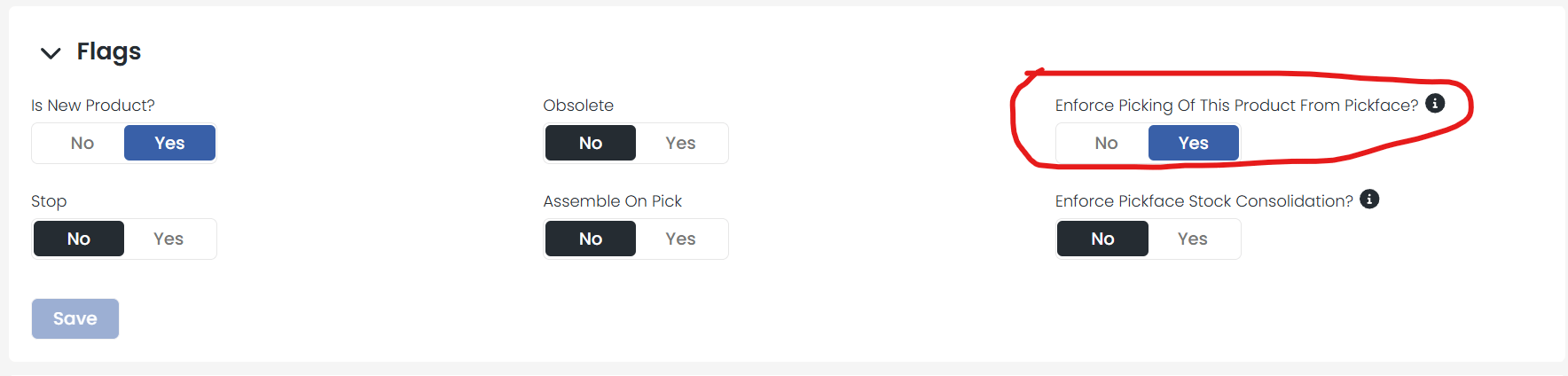
Open the product record and scroll down to the **Flags** section. Toggle **Enforce Picking from Pickface** to **on**.
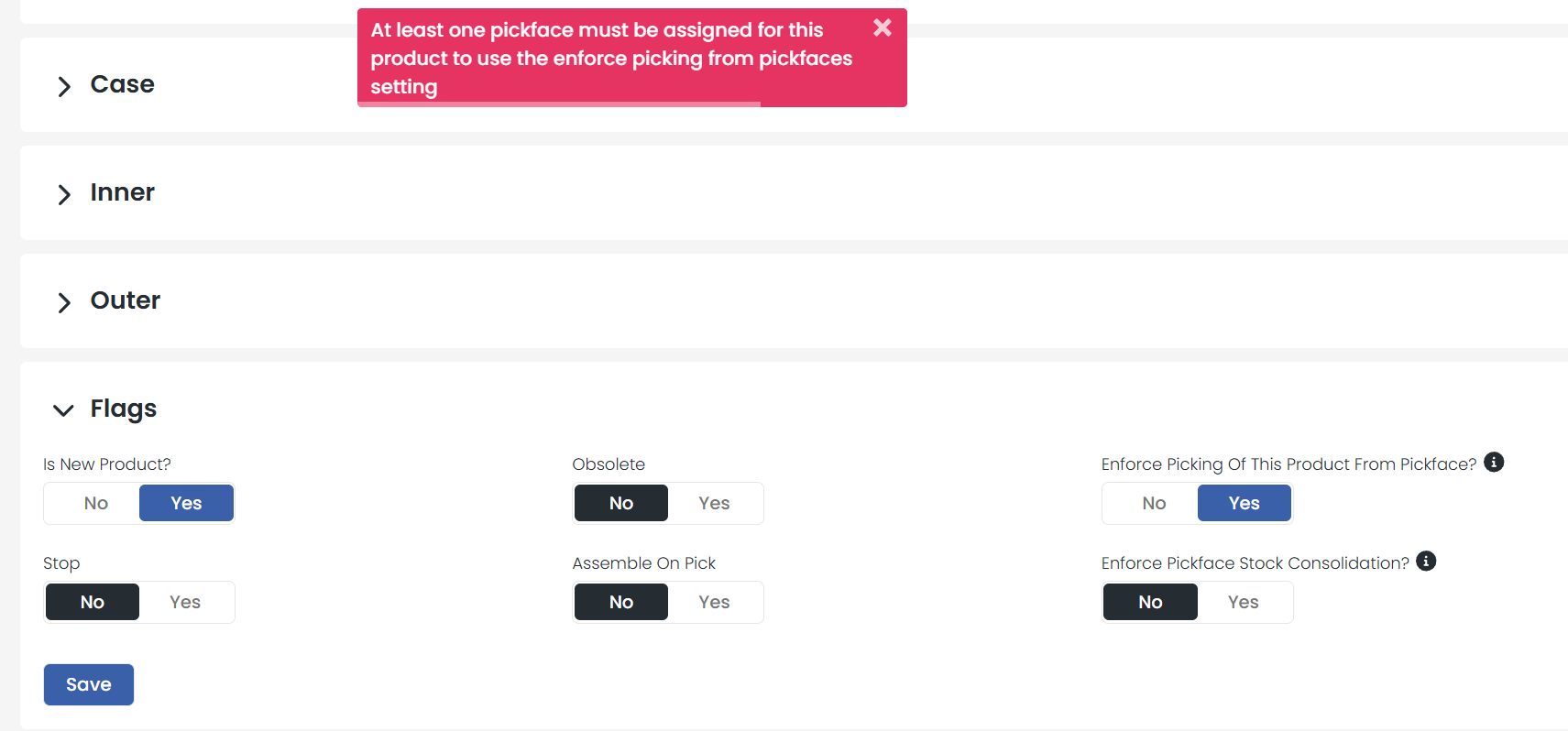
 The product must already have a pickface location assigned. If you try to enable this setting without one, you will see an error message when you attempt to save.
 ## What happens when this is enabled?
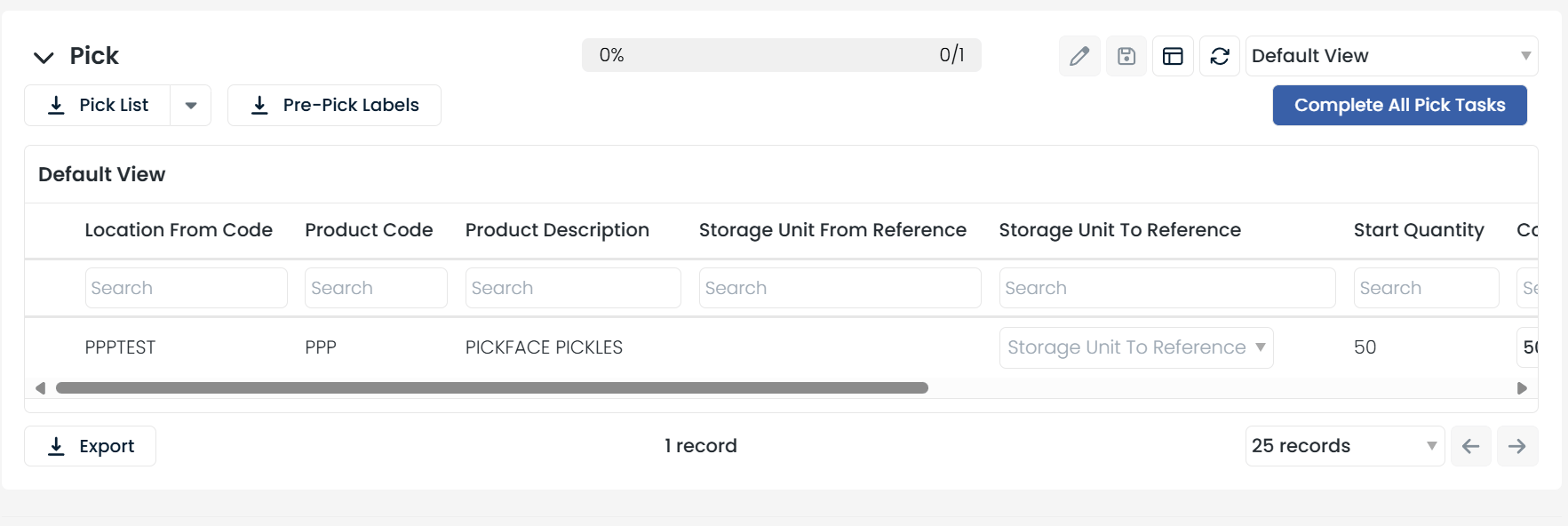
Once enabled, the system directs all pick tasks for this product to its assigned pickface location, regardless of pick quantity. This includes full pallet picks that would normally be allocated from racking.
## What happens when this is enabled?
Once enabled, the system directs all pick tasks for this product to its assigned pickface location, regardless of pick quantity. This includes full pallet picks that would normally be allocated from racking.