> ## Documentation Index
> Fetch the complete documentation index at: https://documentation.claruswms.com/llms.txt
> Use this file to discover all available pages before exploring further.
# Stock Consolidation for Pickfaces
> Learn how to enable stock consolidation to merge multiple stock lines within a pickface into a single record.
Stock consolidation for pickfaces merges multiple stock lines for the same product within a pickface into a single stock record, making picking simpler and more efficient.
## How to enable it
Go to the **Products** section and select the product you want to enable consolidation for.
Scroll down to the **Flags** tab. Toggle **Enforce Pickface Stock Consolidation** to on.
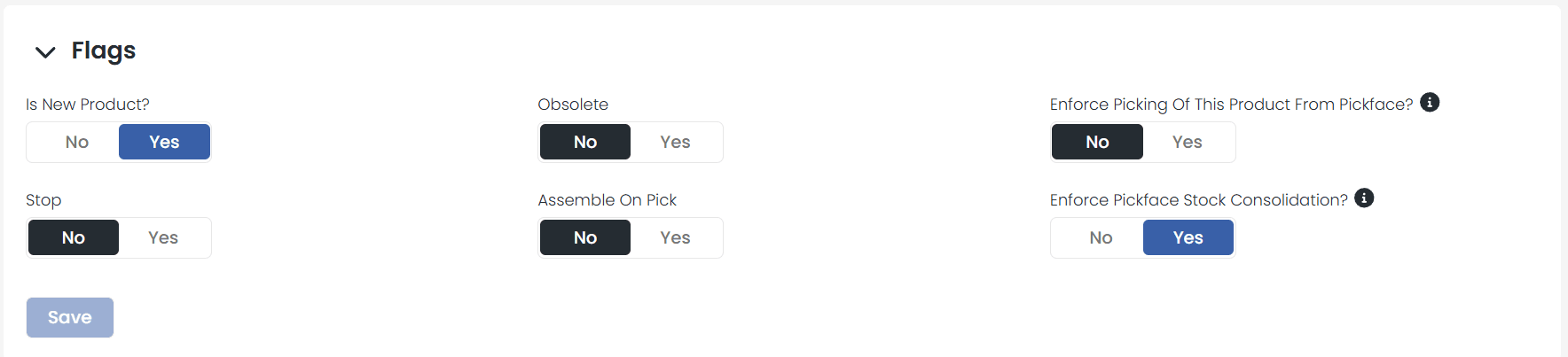 This option only works if the product has a pickface assigned. If none is assigned, the flag will not apply. You can assign a pickface after enabling the flag, and it will then work correctly.
## What changes with consolidation?
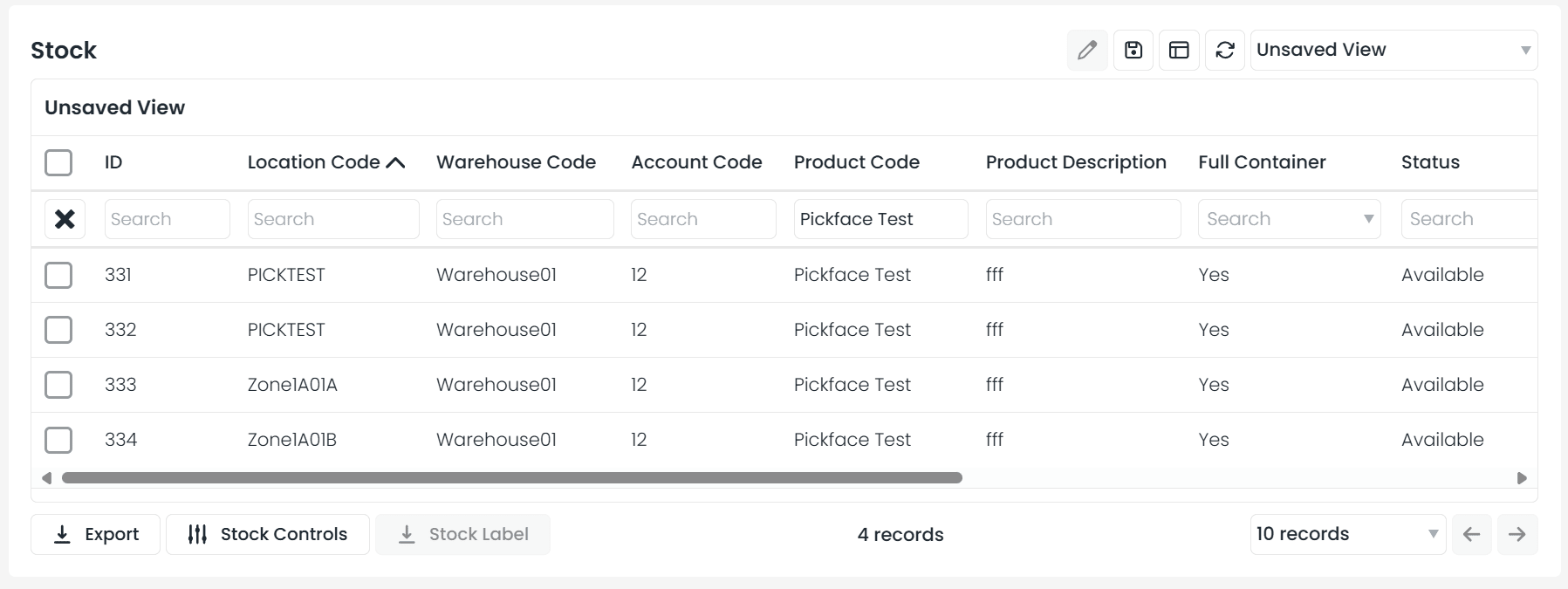
Previously, if a product had stock in multiple lines within the same pickface, those lines would display separately. With consolidation enabled:
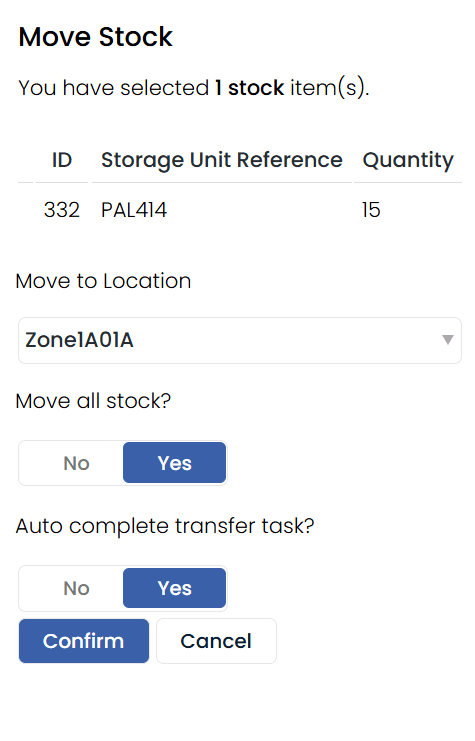
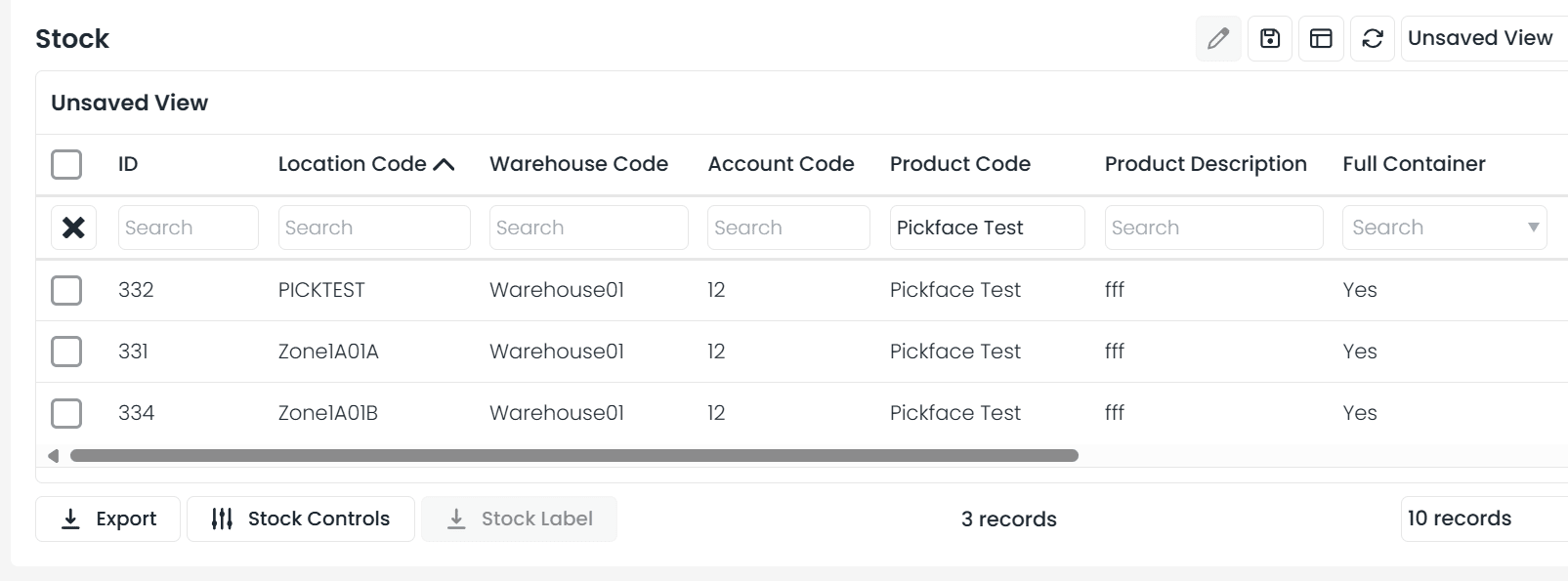
* All stock lines for the same product within a pickface automatically merge into a **single stock record**
* When searching stock by location code, you will no longer see multiple lines for the same product
This option only works if the product has a pickface assigned. If none is assigned, the flag will not apply. You can assign a pickface after enabling the flag, and it will then work correctly.
## What changes with consolidation?
Previously, if a product had stock in multiple lines within the same pickface, those lines would display separately. With consolidation enabled:
* All stock lines for the same product within a pickface automatically merge into a **single stock record**
* When searching stock by location code, you will no longer see multiple lines for the same product
 ## Impact on the Add Stock feature
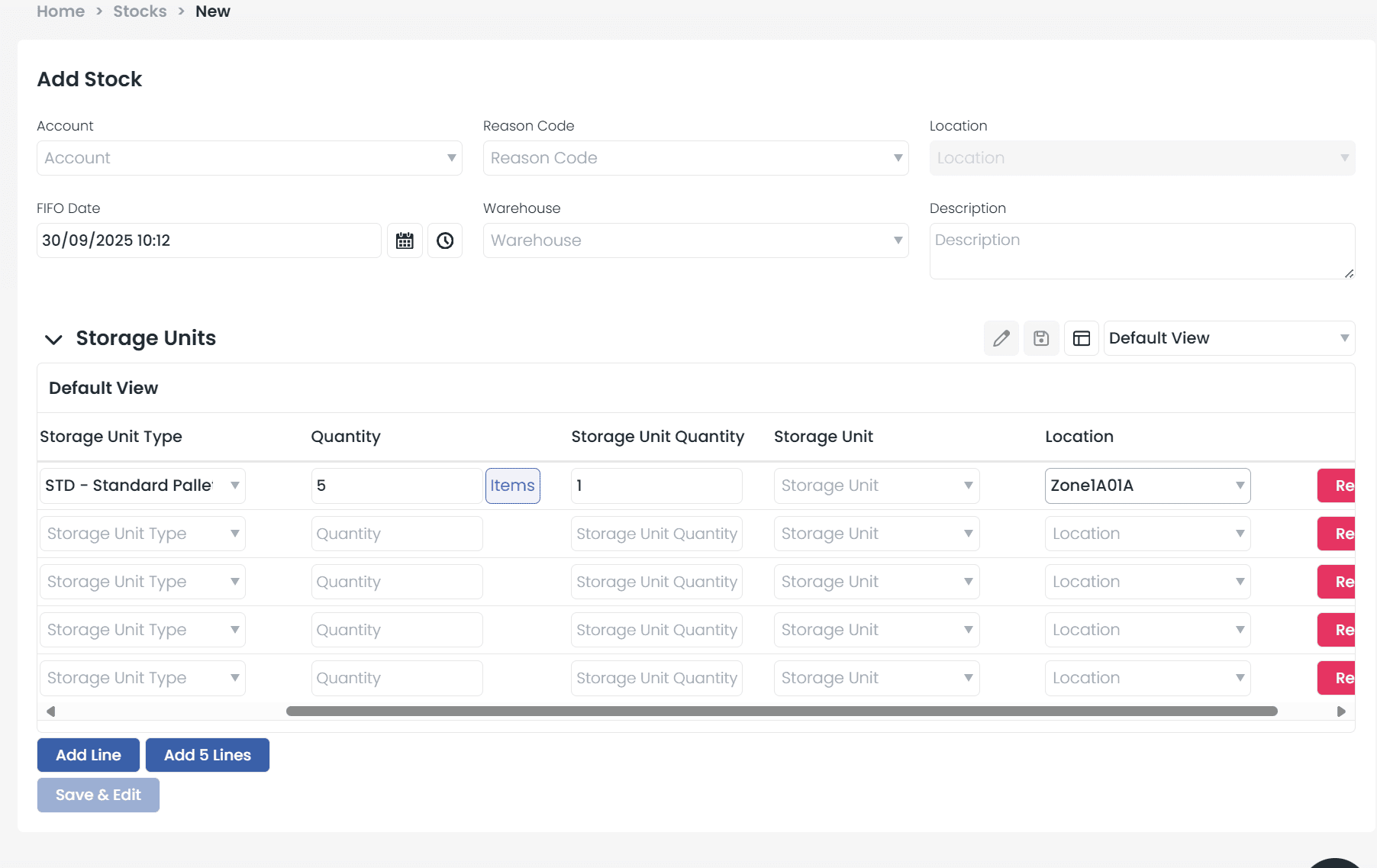
This also applies when using the **Add Stock** function from the stock list. Instead of creating a new line, any added stock will automatically merge with the existing stock line in that pickface.
## Impact on the Add Stock feature
This also applies when using the **Add Stock** function from the stock list. Instead of creating a new line, any added stock will automatically merge with the existing stock line in that pickface.
 ## Consolidation rules
Stock consolidation only happens when the product and its **attributes** (such as batch number, sell-by date, etc.) are identical. If attribute details differ, the stock will remain as separate lines to ensure accuracy.
## Consolidation rules
Stock consolidation only happens when the product and its **attributes** (such as batch number, sell-by date, etc.) are identical. If attribute details differ, the stock will remain as separate lines to ensure accuracy.