

You can enforce all types of picks from a pickface location, including full pallet picks. This gives you greater control over how stock is managed and picked, ensuring all quantities are always picked from the designated pickface.

How to enable pickface enforcement

1

Navigate to the product

From the home page, go to Products. Use the column filters to locate the product you want to configure.
2

Enable the pickface enforcement flag

Open the product record and scroll down to the Flags section. Toggle Enforce Picking from Pickface to on.
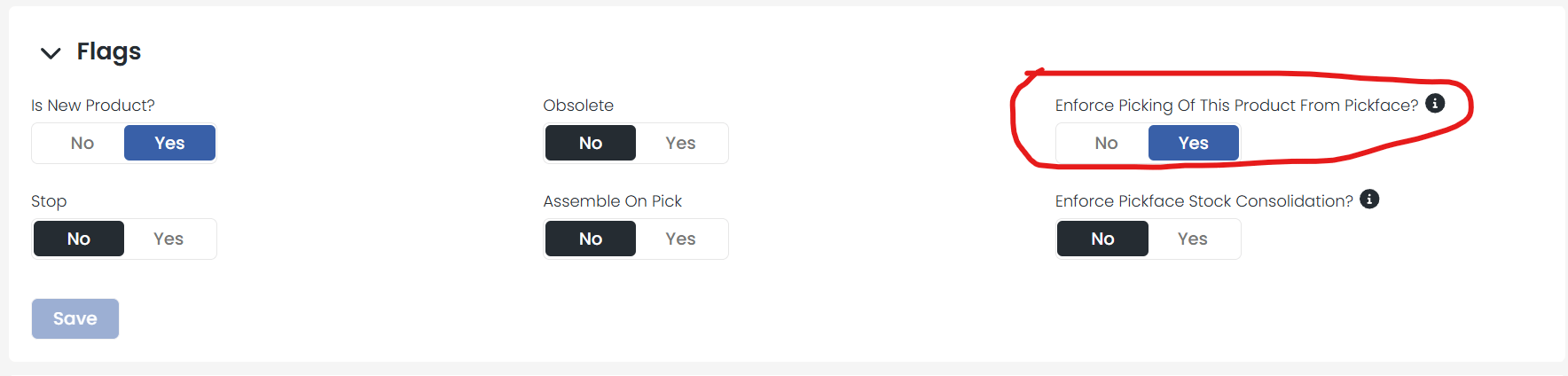
Enforce Picking from Pickface flag in the product Flags section
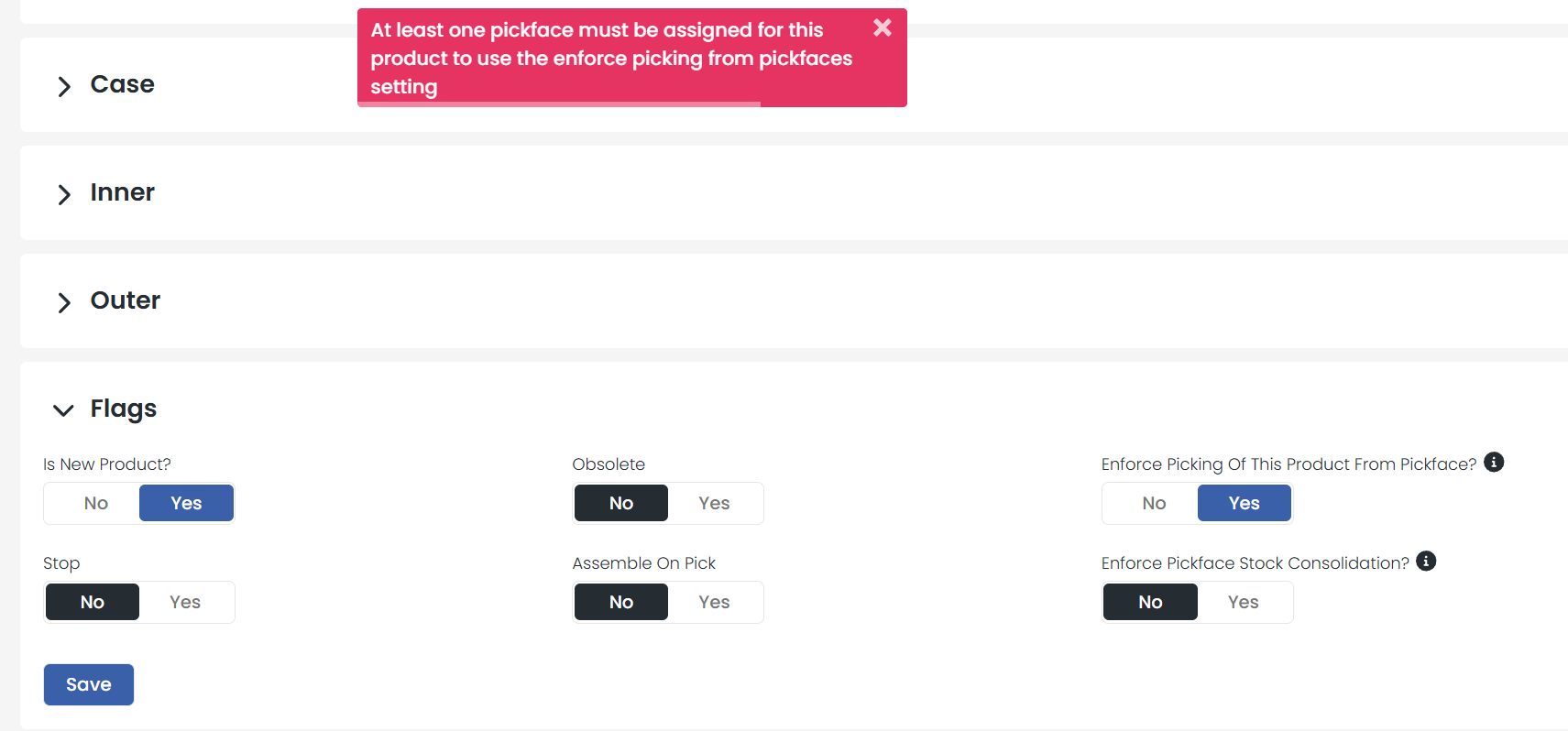
The product must already have a pickface location assigned. If you try to enable this setting without one, you will see an error message when you attempt to save.
Error message when no pickface is assigned

What happens when this is enabled?

Once enabled, the system directs all pick tasks for this product to its assigned pickface location, regardless of pick quantity. This includes full pallet picks that would normally be allocated from racking.
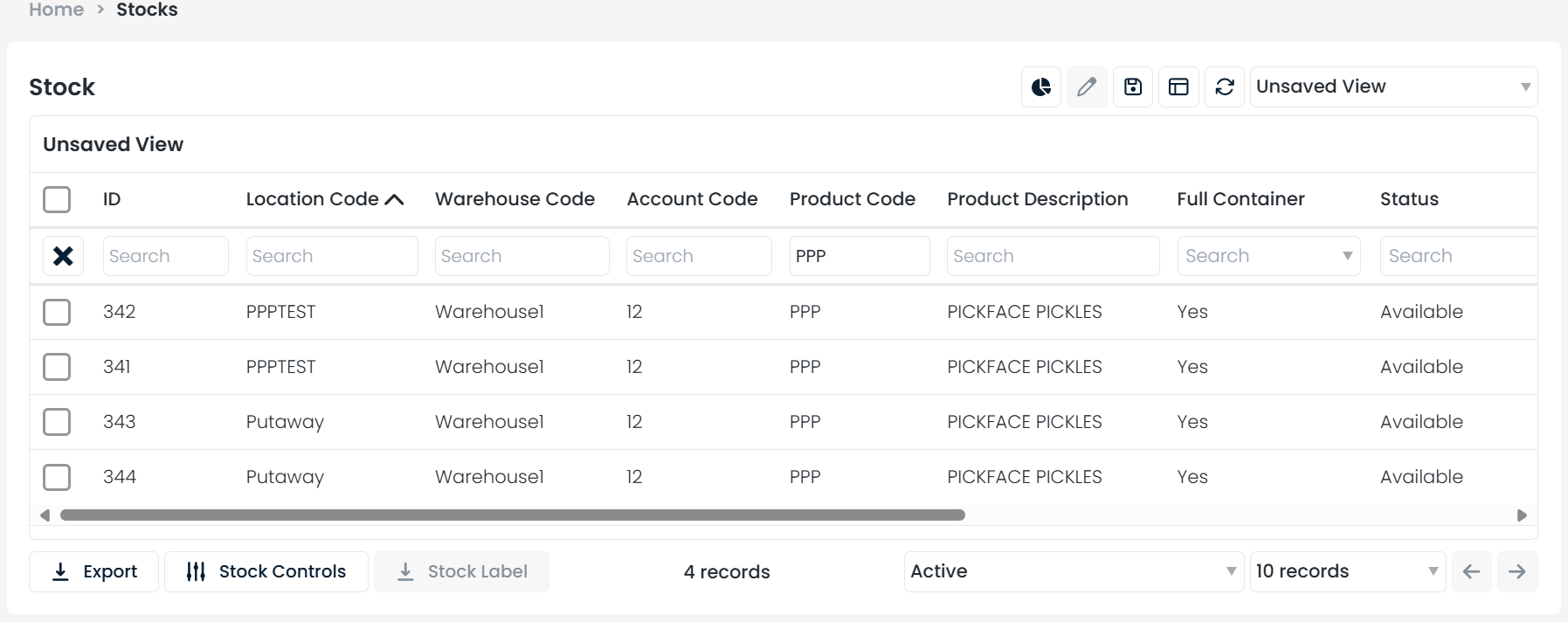
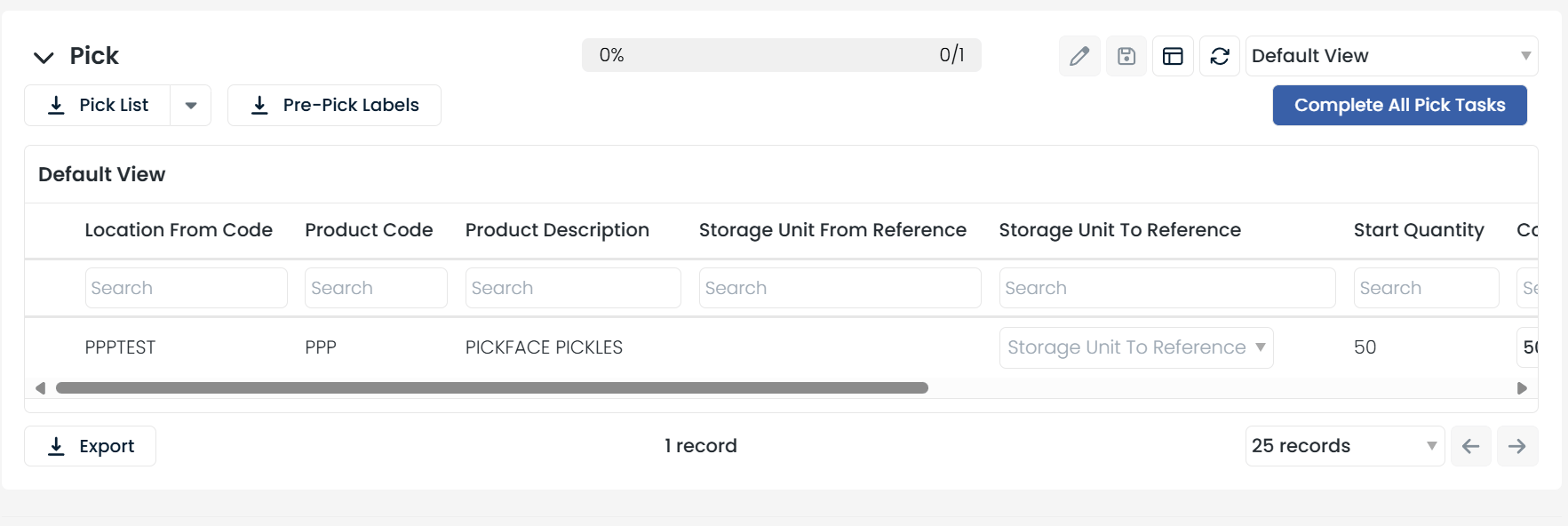
Pick task assigned to pickface location
Pick task details showing pickface enforcement