How to enable it
1
Navigate to the product
Go to the Products section and select the product you want to enable consolidation for.
2
Enable the consolidation flag
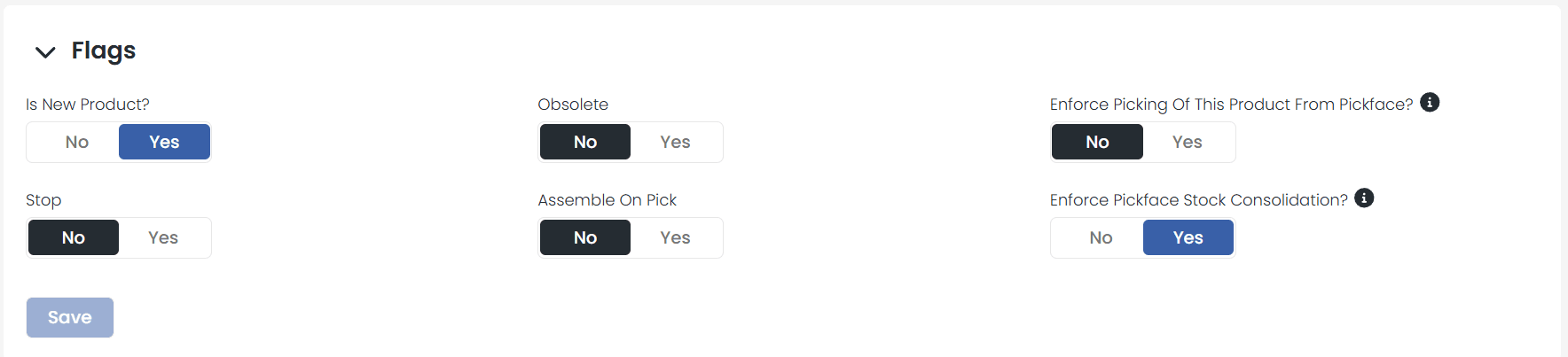
Scroll down to the Flags tab. Toggle Enforce Pickface Stock Consolidation to on.
What changes with consolidation?
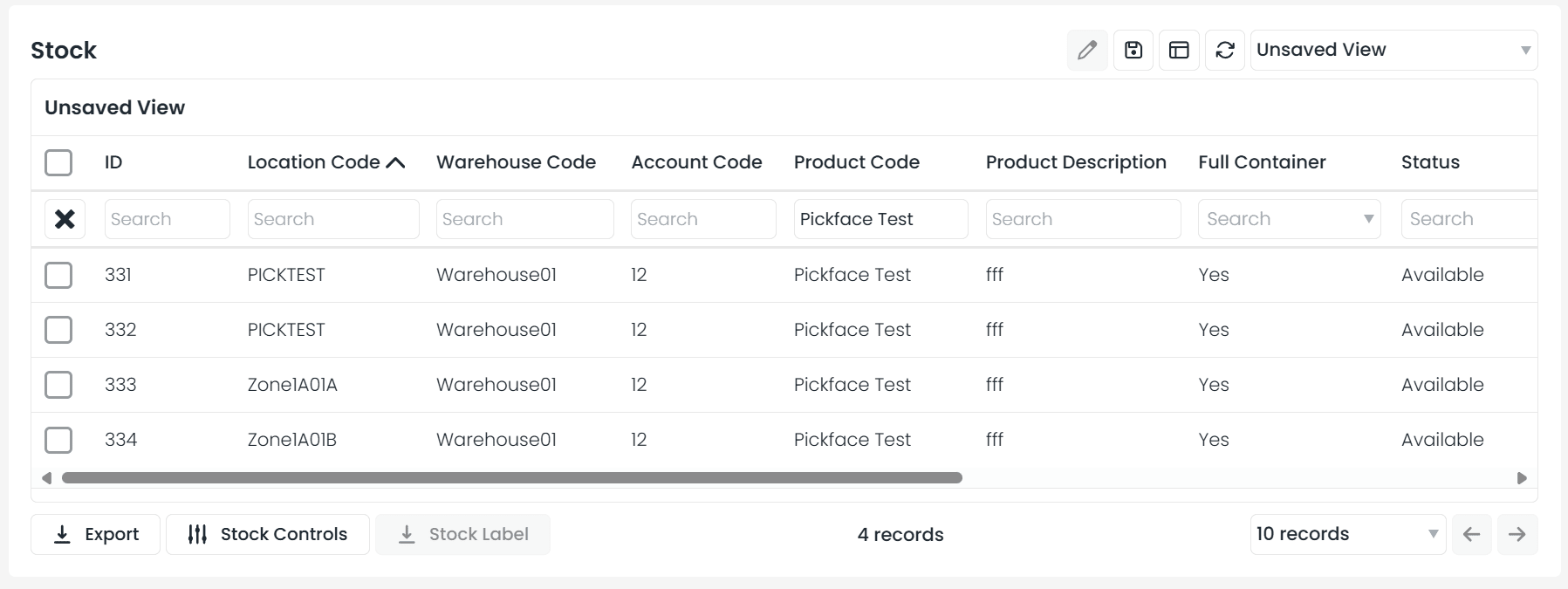
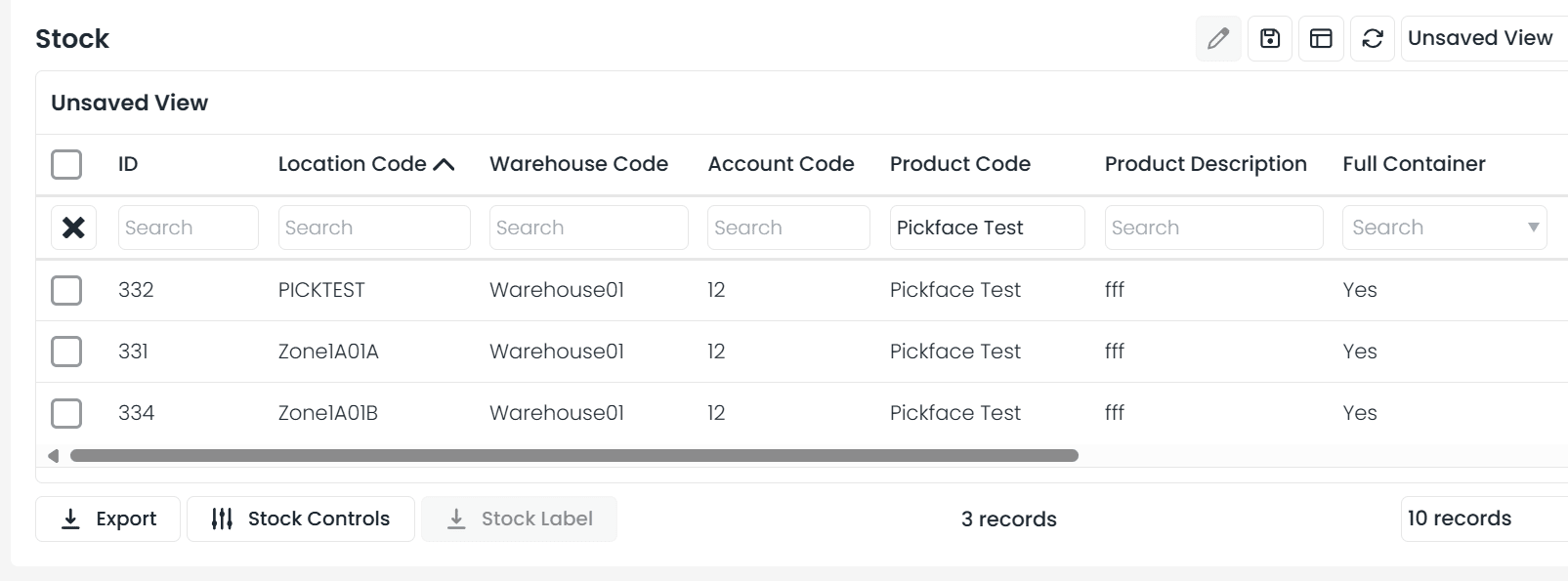
Previously, if a product had stock in multiple lines within the same pickface, those lines would display separately. With consolidation enabled:- All stock lines for the same product within a pickface automatically merge into a single stock record
- When searching stock by location code, you will no longer see multiple lines for the same product
Impact on the Add Stock feature
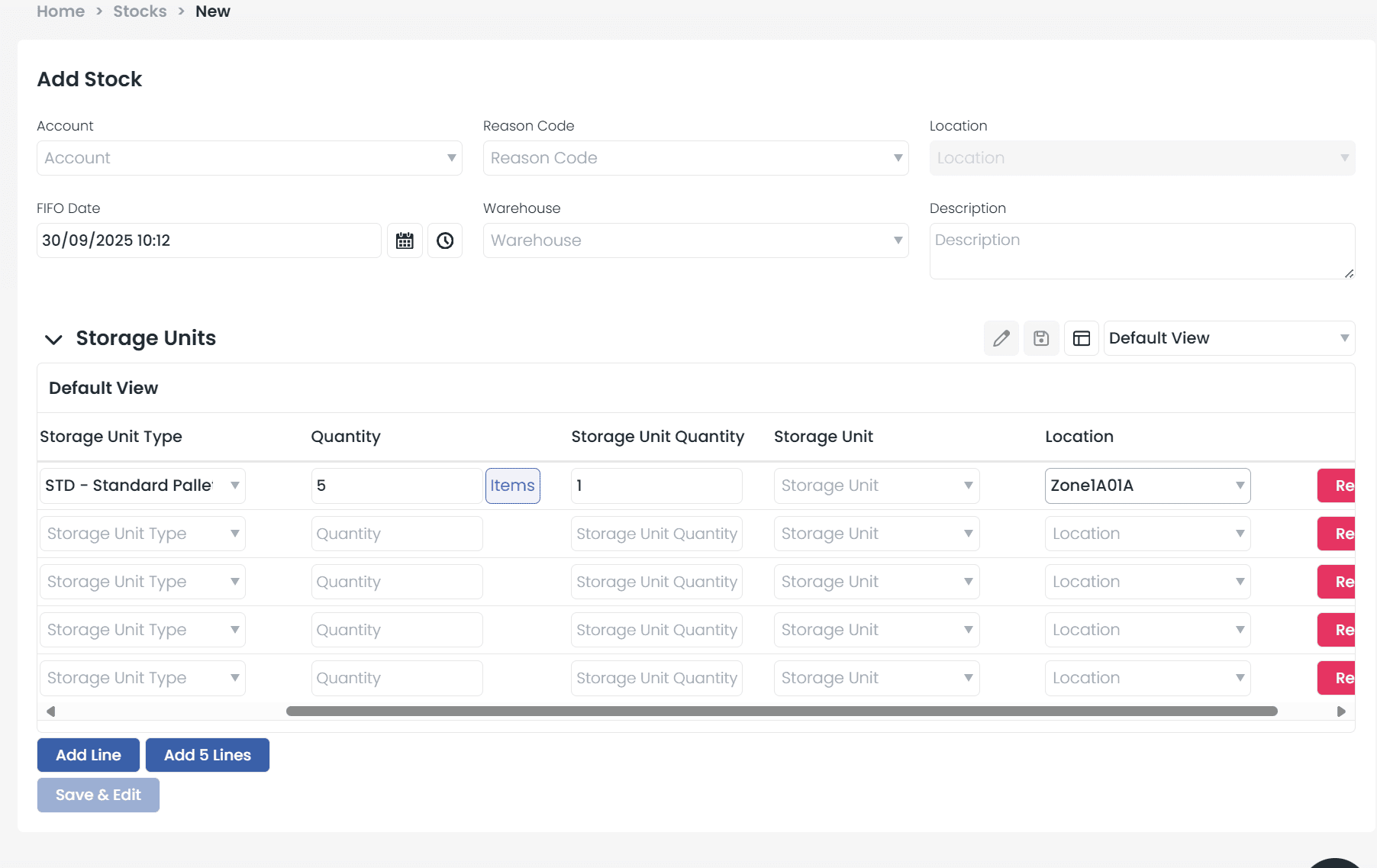
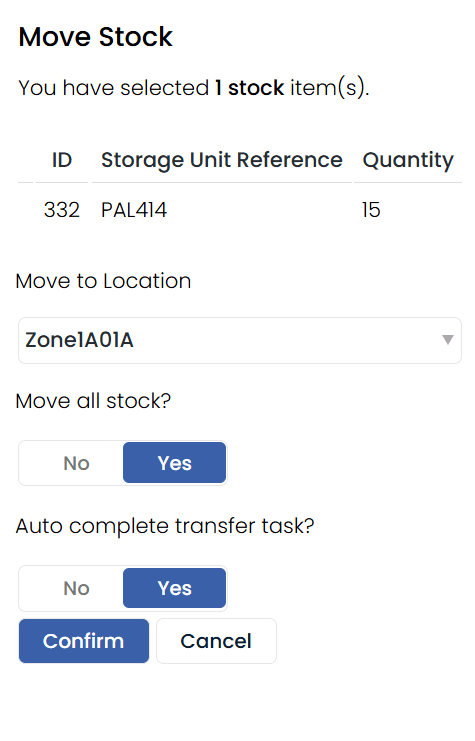
This also applies when using the Add Stock function from the stock list. Instead of creating a new line, any added stock will automatically merge with the existing stock line in that pickface.