

How it works
The system recognises three distinct pick scenarios:- Full: triggered when the entire contents of a pallet are picked (for example, 10 of 10 items).
- Part: applied when only a portion of a pallet’s stock is picked (for example, 5 of 10 items).
- Pickface: triggered whenever stock is picked from a designated pickface location.
Applying a subtype
1
Open the charge card
From the left-hand menu, go to Charges then Charge Card, and select the relevant charge card.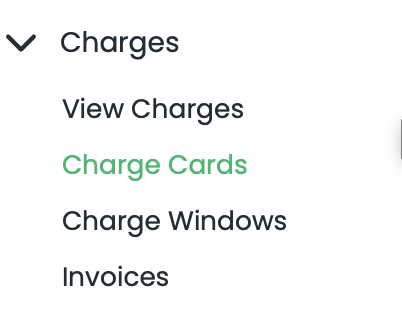
2
Find the Subtype field
Scroll down to Pick Charges and move to the right to find the new Subtype field.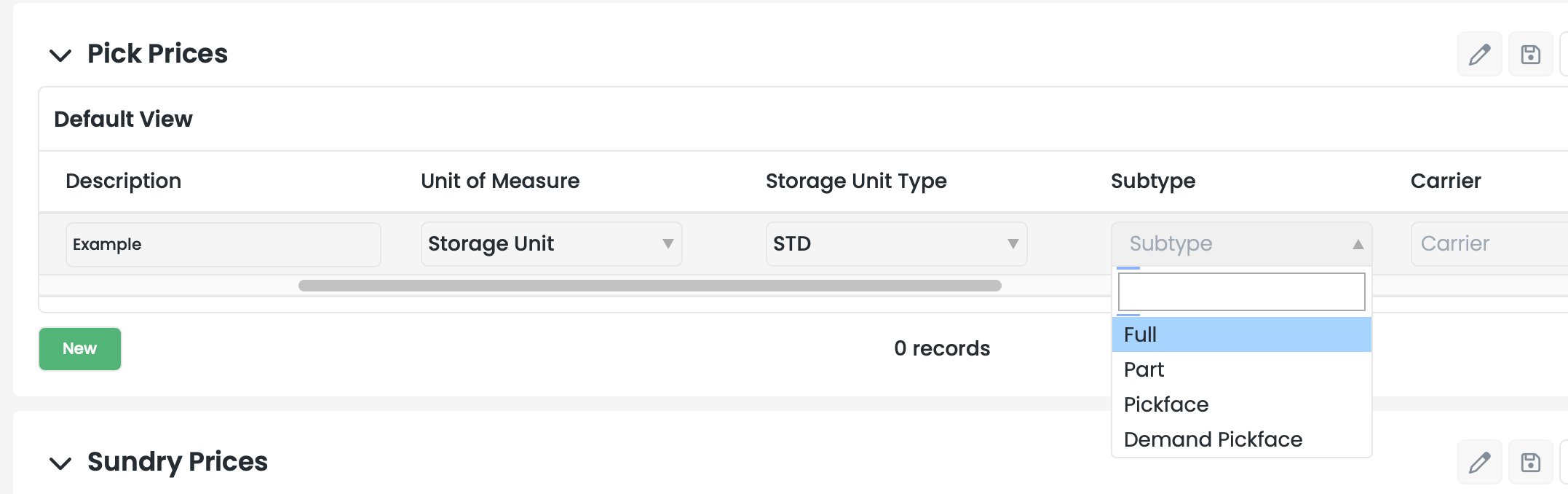
3
Assign the subtype
Assign the desired subtype — Full, Part, or Pickface — to your charge line.
Important considerations
To keep your billing accurate, keep the following in mind:Rate card alignment: make sure charges are applied against the correct task type — for example, distinguishing pallet pick rates from case or item pick rates — so they stay aligned with your specific rate cards.