

Preventing out-of-date stock
The Handheld Device (HHD) system automatically validates any entered Sell By Date (SBD) or Best Before Date (BBD) against the current system date and time. This prevents expired stock from being accidentally received or entered into the system.How it works
Consider a standard “blind receipt” workflow:1
Date entry
When prompted, you enter a Sell By or Best Before date on the HHD. If today’s date is 11/03/2026 and you enter an expired date such as 10/03/2025, the system triggers an immediate alert.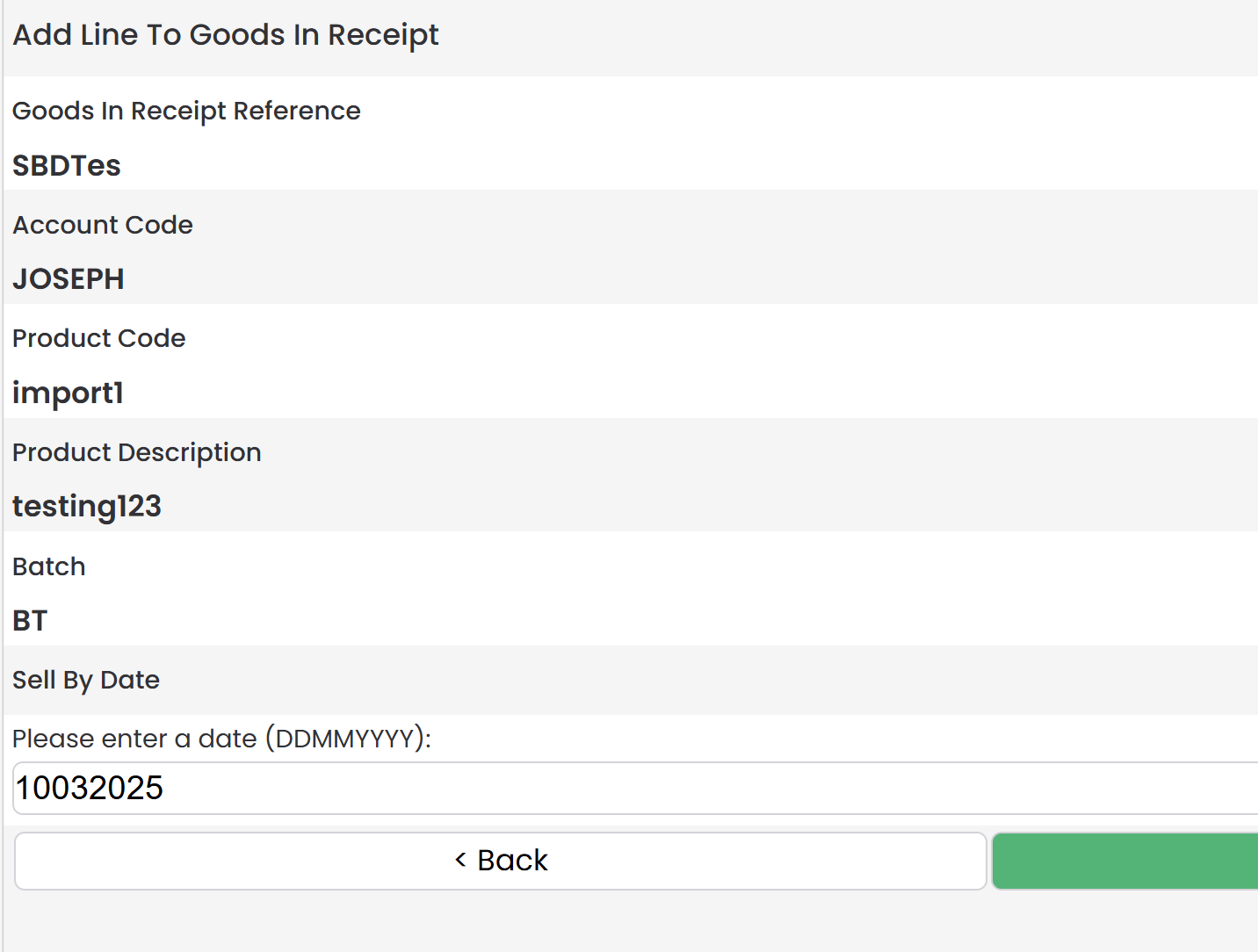
2
Error handling
An error message is displayed, blocking you from proceeding with a date in the past.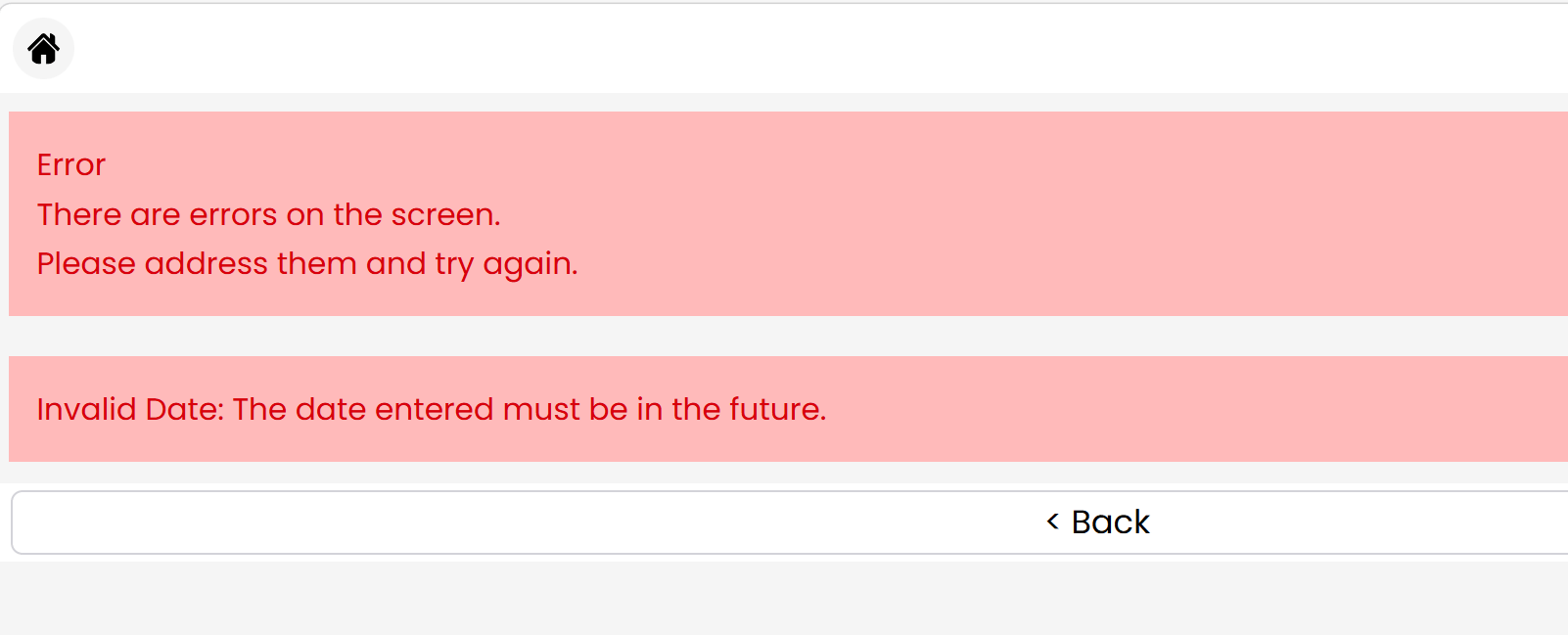
3
Correction
Once you correct the date to a valid future date (e.g., 12/03/2026), the system validates the entry and allows you to continue.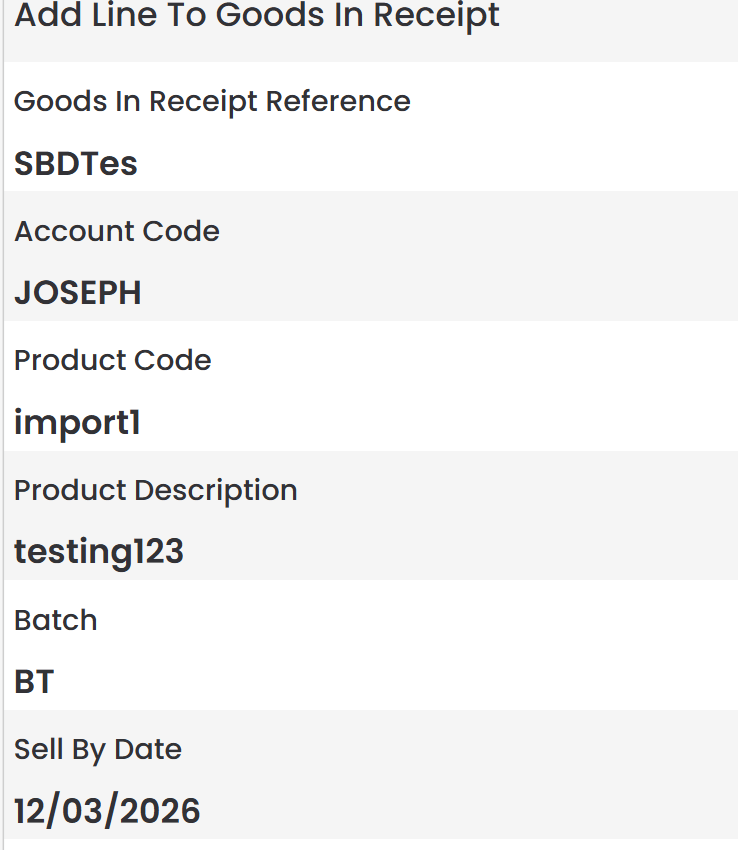
This validation works identically for both Sell By and Best Before date fields.