

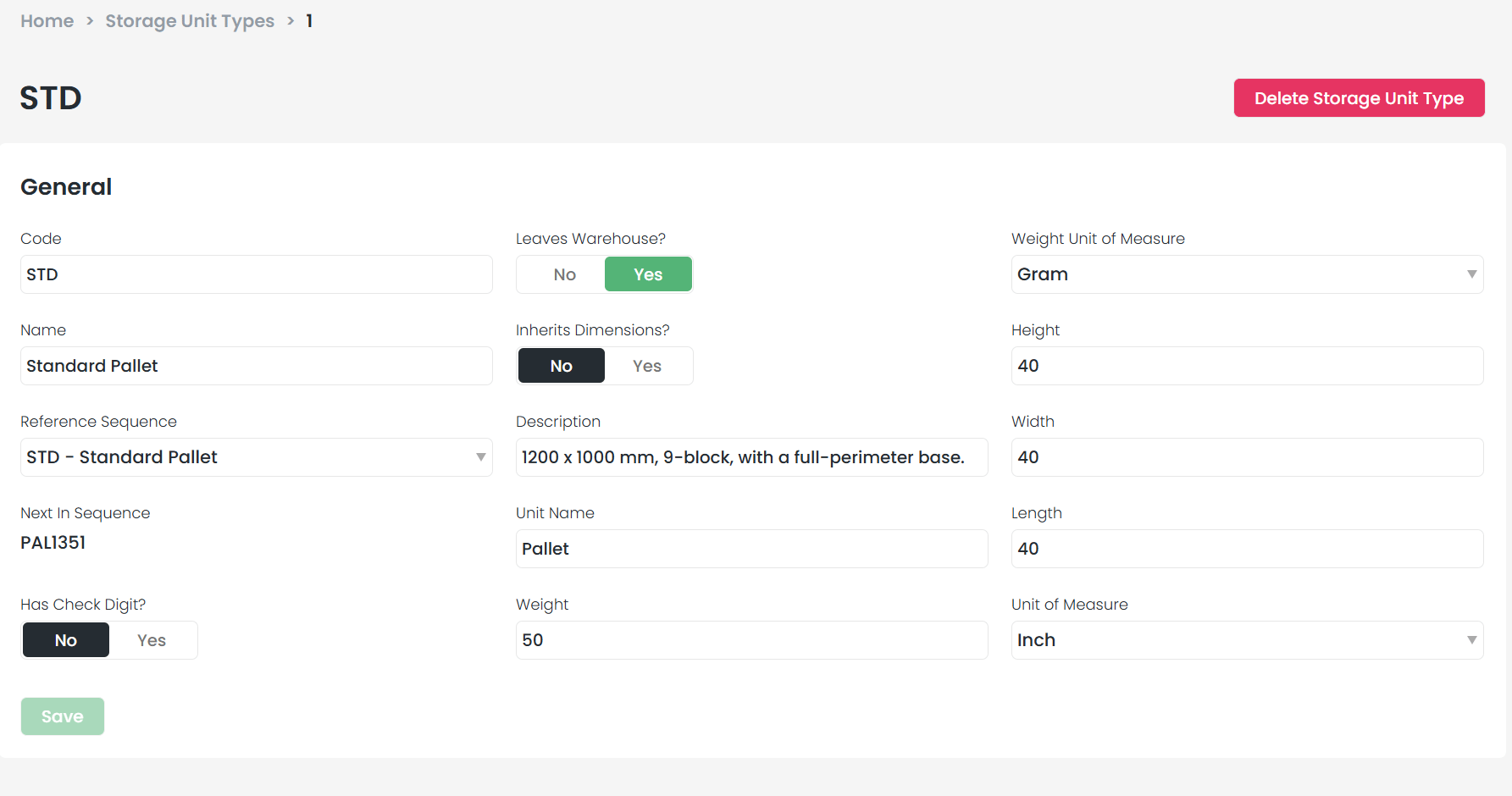
What happens when a storage unit is dispatched?
- It moves to the Dispatched section on the Storage Units screen
- The specific record is retired and cannot be reused (however, the reference name can be reused by creating a new storage unit with the same reference)
How to verify a unit’s status
1
Navigate to storage units
Go to Settings > Storage Units.
2
Search for the reference
Search for your Storage Unit Reference.
3
Check the view
If it appears in the default view, it is still active. If it does not appear, scroll to the In Warehouse filter at the bottom and change it to Dispatched.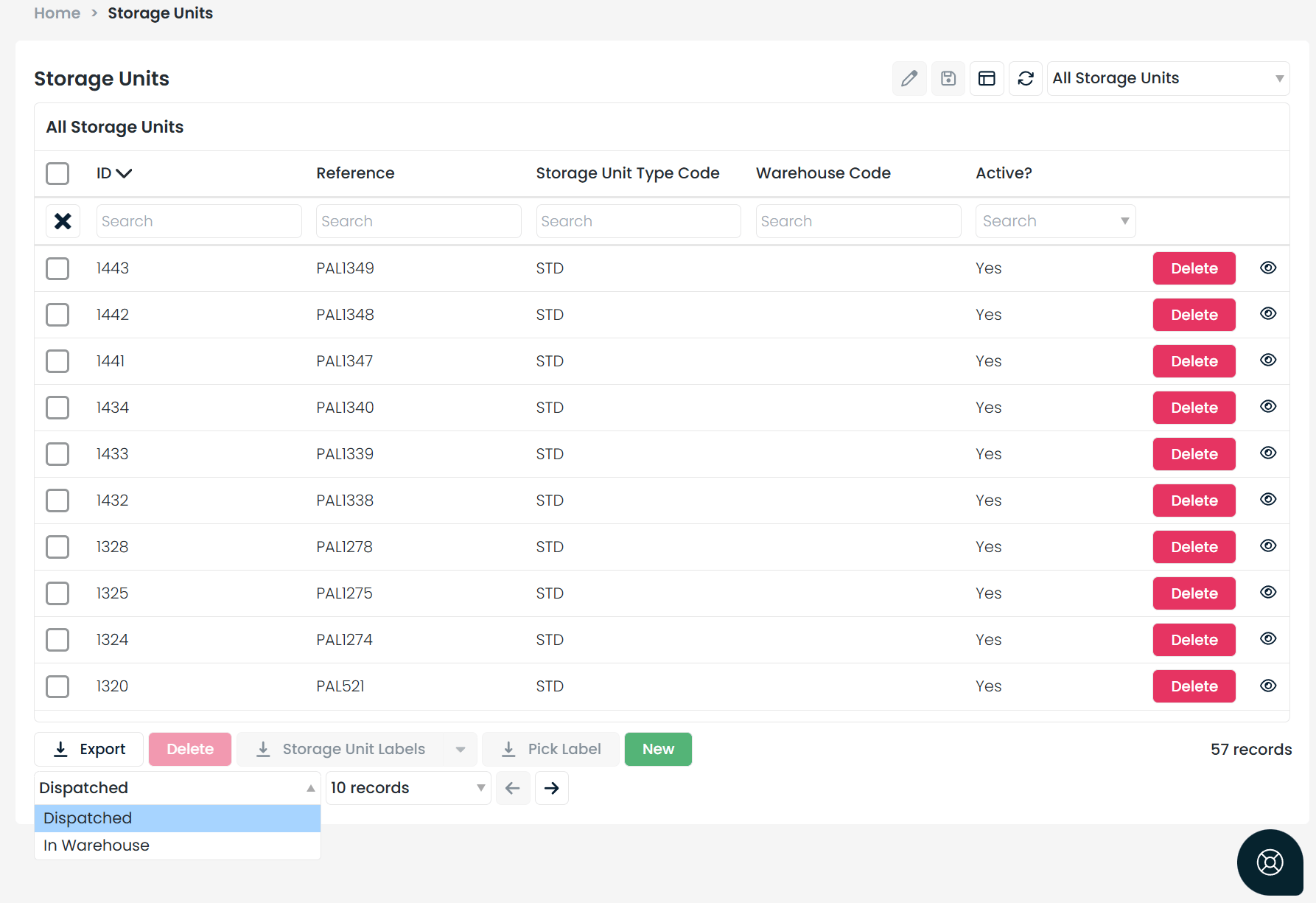
4
Confirm the status
If the unit appears under the Dispatched filter, it is officially locked and out of circulation.